GST invoice on every order•Free delivery across India•No-cost EMI on most cards•Authorised Dell · Lenovo · HP · Asus · Acer · MSI partner•Store pickup in Kovilambakkam, Chennai
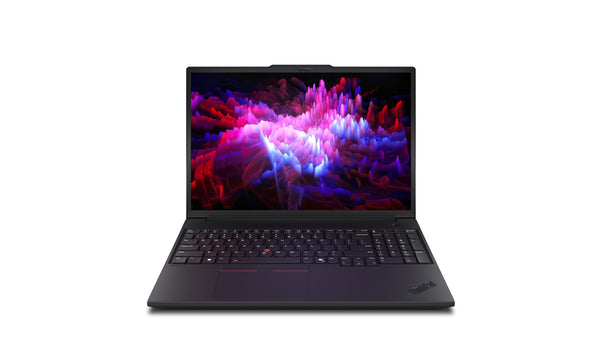
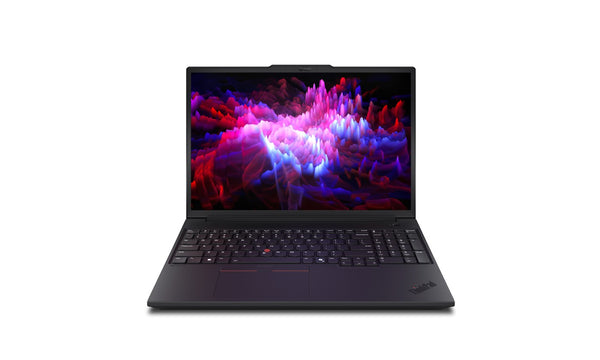
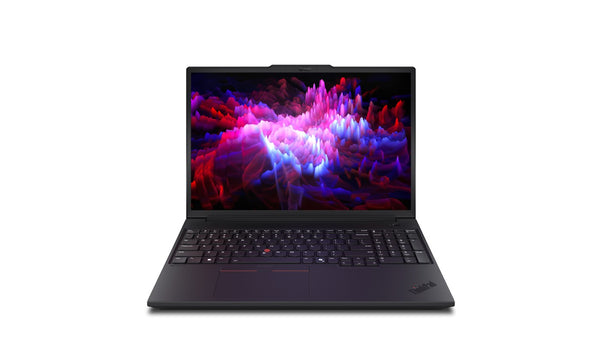
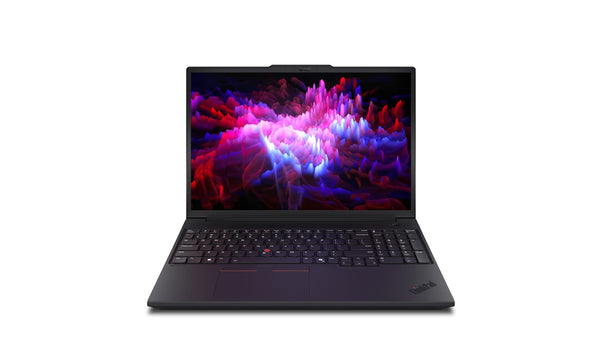
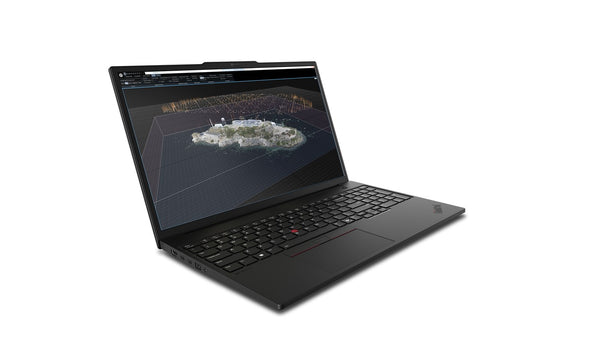
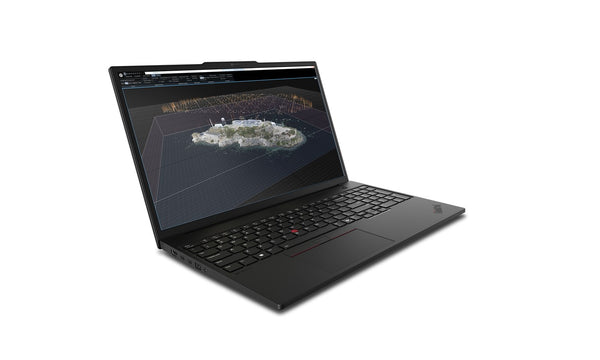
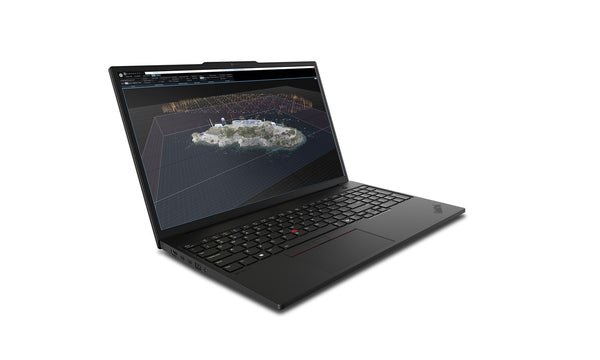
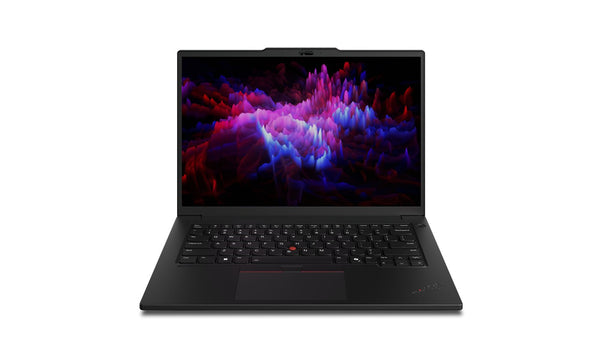
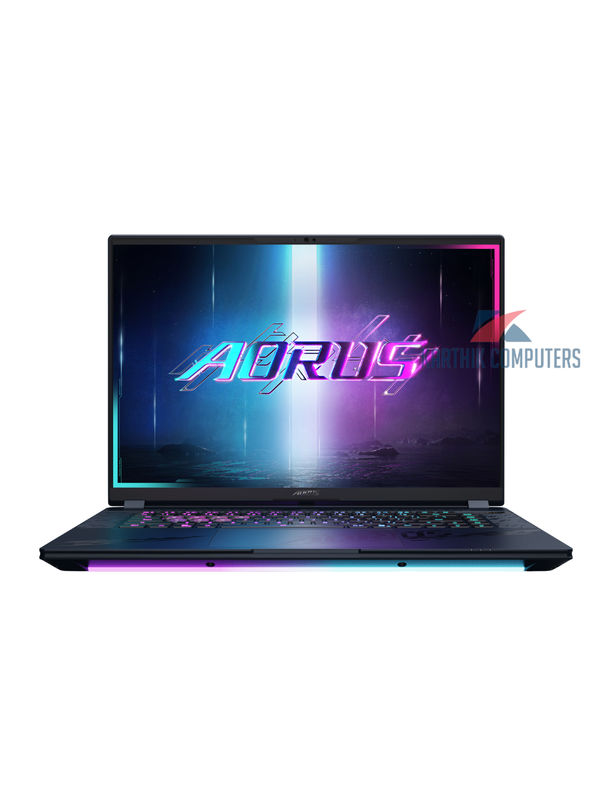
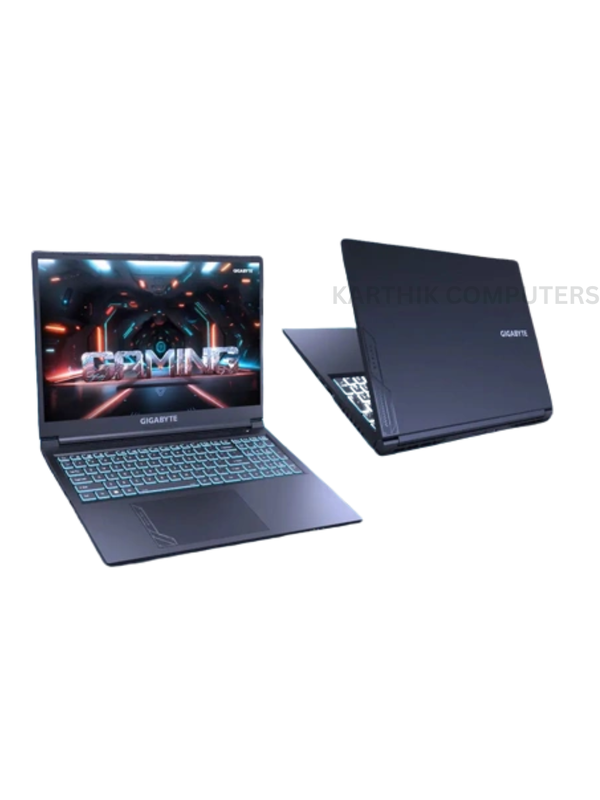
Laptops with 32 GB RAM and RTX or RTX PRO graphics for Blender Cycles, Eevee, 3ds Max and animation — where the GPU renders and the RAM holds the scene.
Blender publishes a clear ladder: the minimum is 8 GB RAM and a graphics card with 2 GB of memory; the recommended specification is 32 GB RAM and an 8 GB GPU. Cycles renders on the GPU through CUDA and OptiX, so an NVIDIA RTX card cuts render times dramatically and its VRAM caps the scene size; Eevee and the viewport are lighter but still GPU-bound. Every laptop on this page has 32 GB or more RAM and a dedicated NVIDIA card — RTX 3050 upward for students, RTX 4060, 5060 and 5070 for regular rendering, and RTX PRO workstation cards for studios that also run 3ds Max or Maya.
The other constraint is heat: a long render runs the GPU flat out for hours, and thin laptops throttle. Prefer 16-inch gaming and creator chassis with proper cooling, and expect fan noise. A 1 TB SSD is the minimum once textures and caches accumulate. For animation and simulation, a Core i7, Core Ultra 7 or Ryzen 7 keeps the physics and rigging responsive.
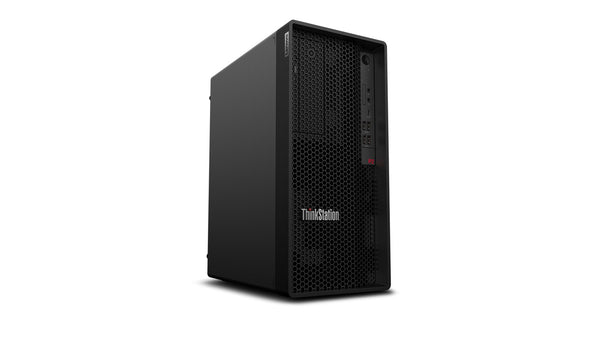
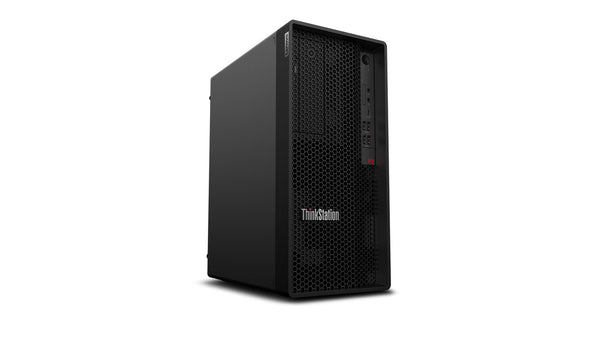
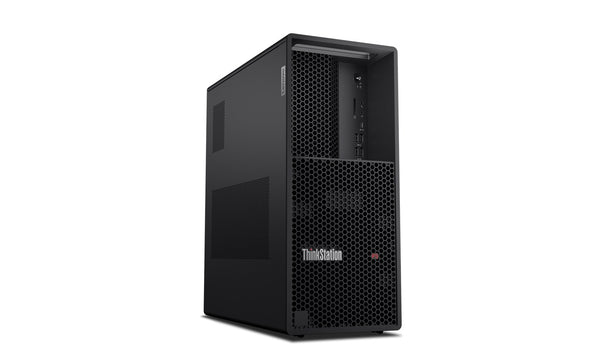
Karthik Computers sells these to animation students, freelancers and studios in Chennai with a GST invoice, EMI on cards and bulk pricing. Desktop render machines for a studio are listed at the end of the page; a laptop is for creating, a desktop for rendering overnight.
Questions people ask
What are Blender's laptop requirements?
Minimum 8 GB RAM and a 2 GB GPU; recommended 32 GB RAM and an 8 GB GPU with a multi-core processor. This page lists laptops at the recommended level: 32 GB RAM with RTX graphics.
Which GPU is best for Blender Cycles on a laptop?
An NVIDIA RTX 4060 or 5060 (8 GB) is the practical sweet spot; RTX 4070/5070 and above for larger scenes. Cycles uses OptiX on RTX cards, which is much faster than CUDA alone.
Is 16 GB RAM enough for Blender?
For learning and small scenes, yes. Blender itself recommends 32 GB, which is why every laptop here has it — large scenes and simulations fill 16 GB quickly.
Should I buy a laptop or a desktop for 3D rendering?
A desktop renders faster and cooler for the money; a laptop lets you model anywhere. Many studios use a laptop for creation and a desktop or render node for final frames — we build both.