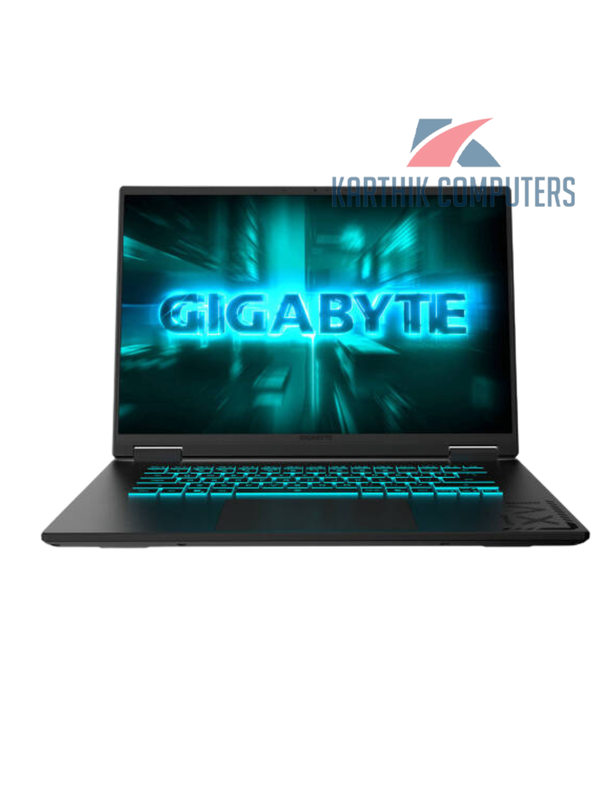
GIGABYTE · Gaming
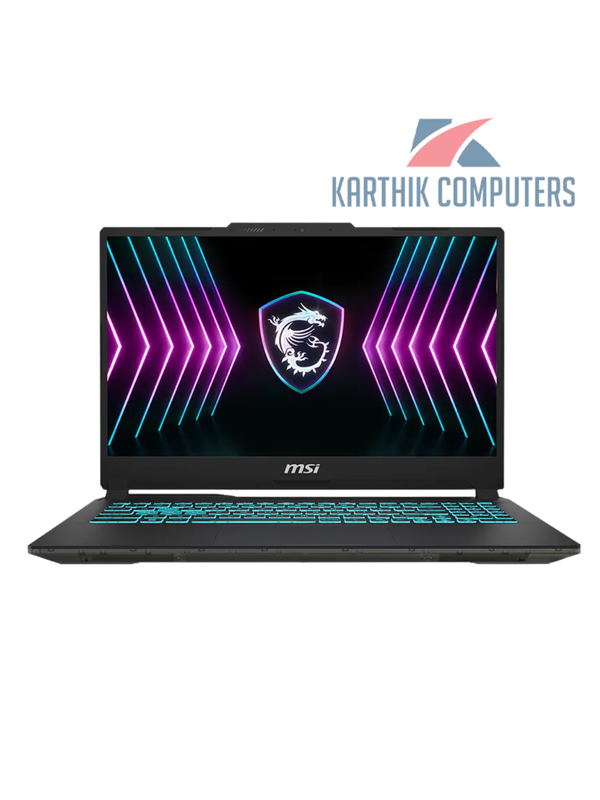
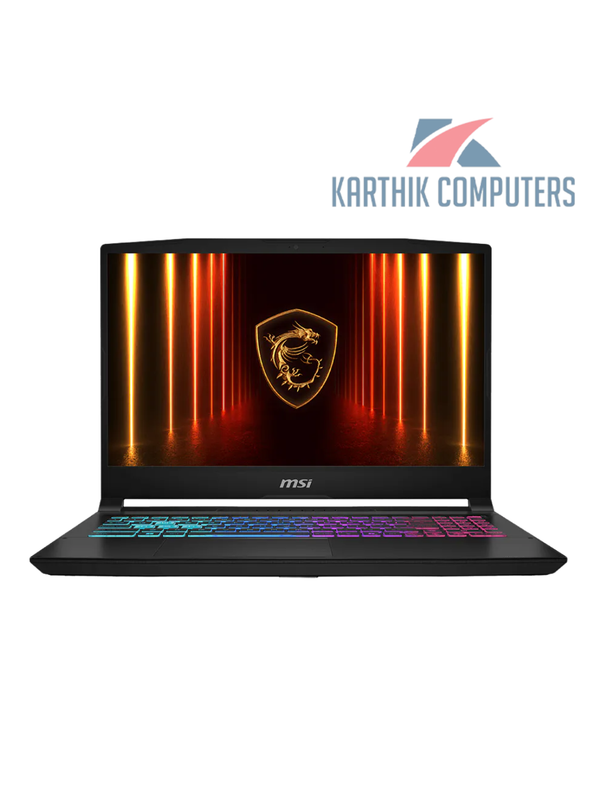
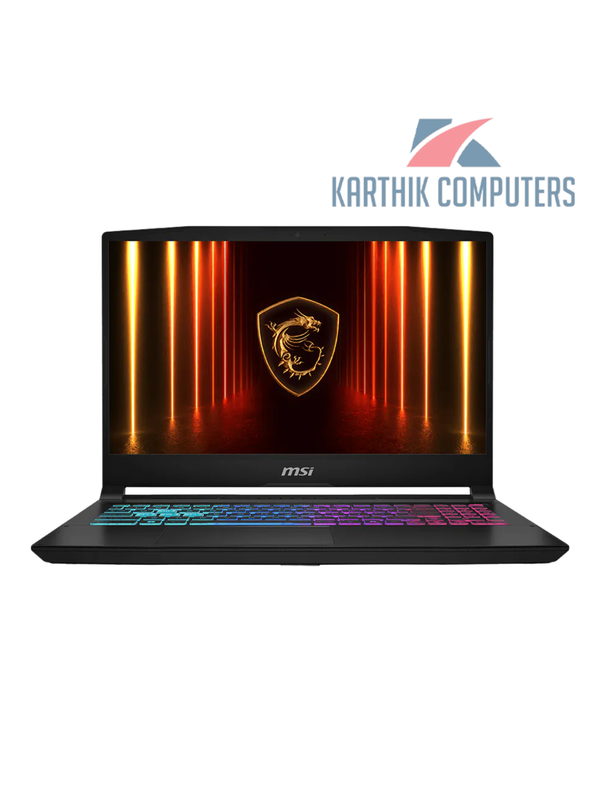
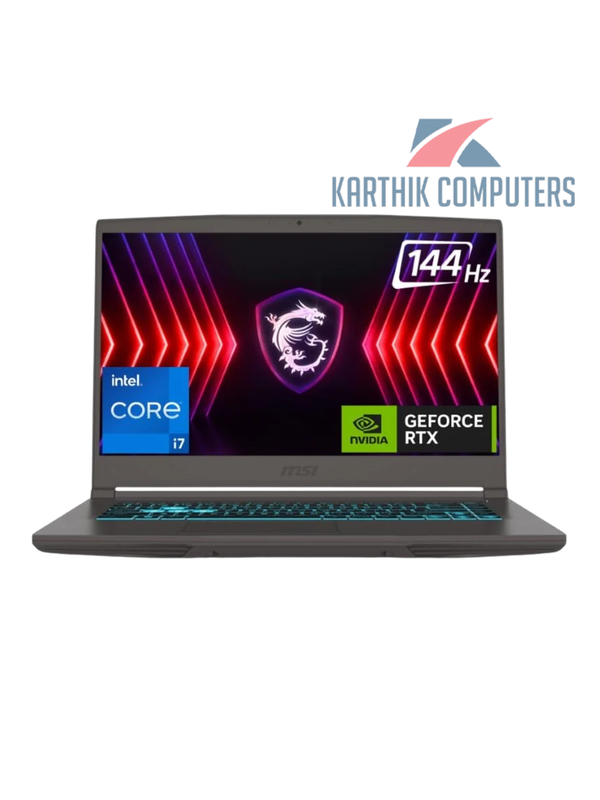
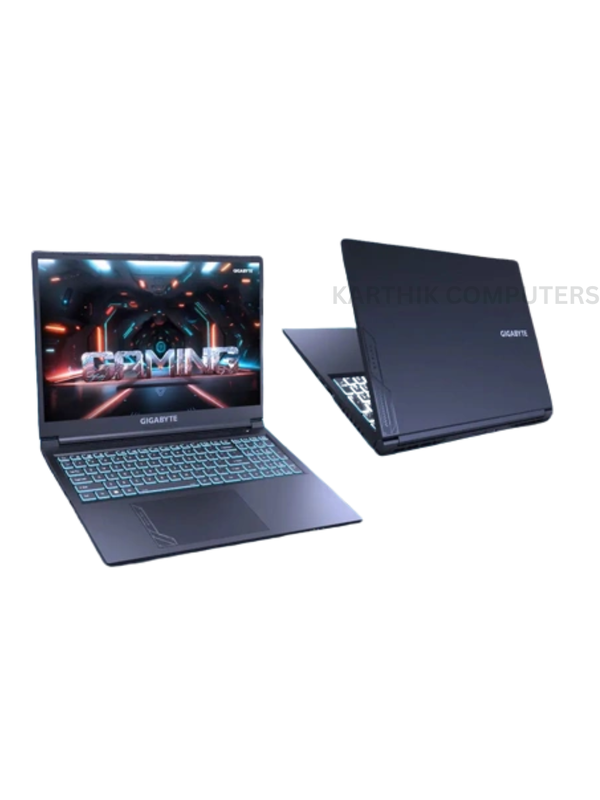
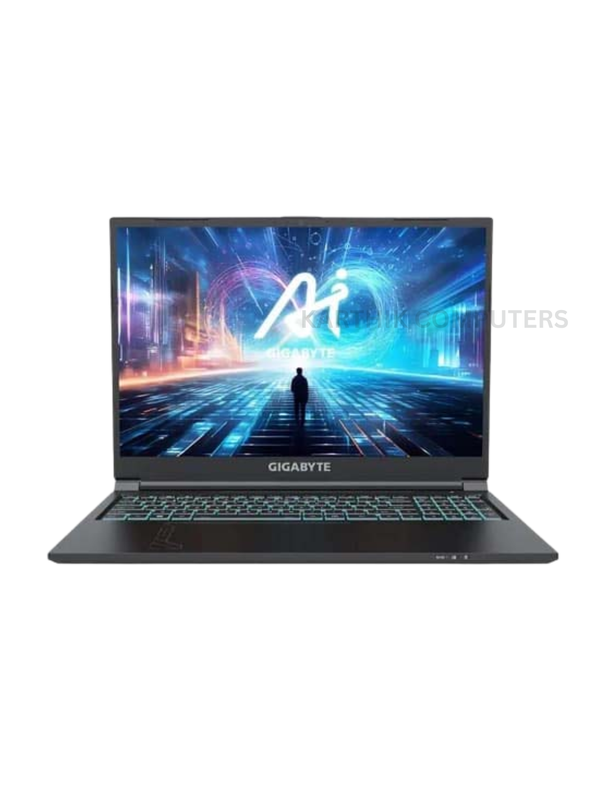
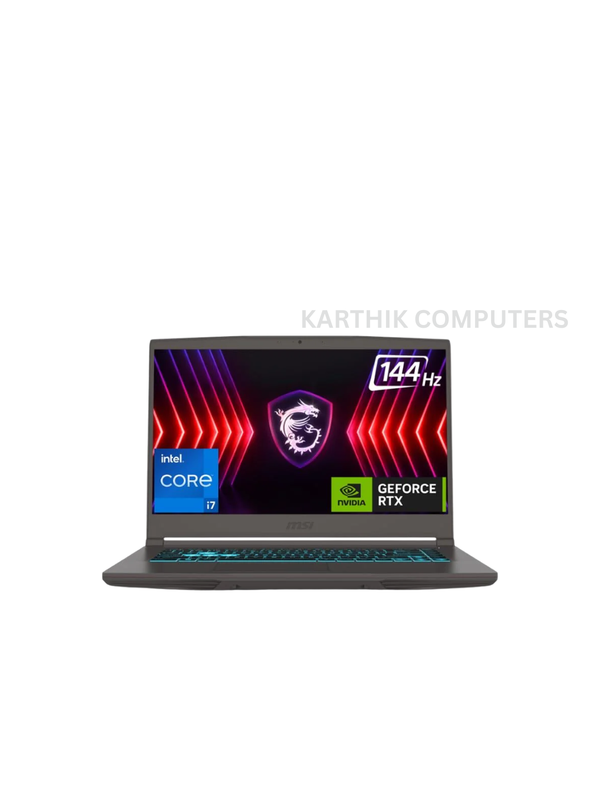
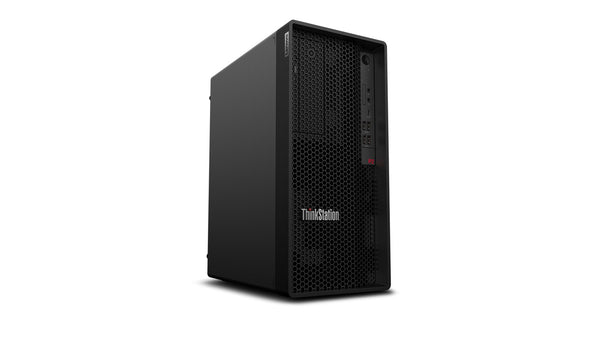
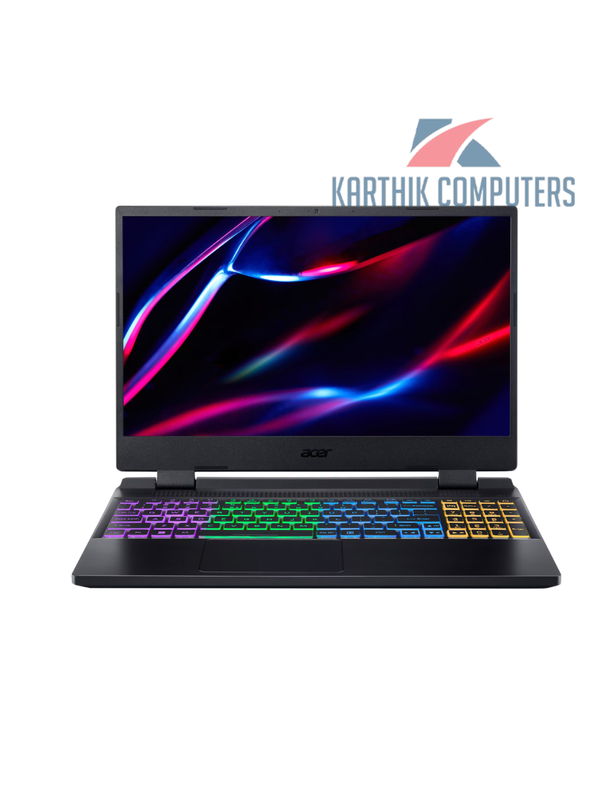
A16 CMHH2IN893SH Gaming LaptopCore i5 · 16GB · 512GB · 16″ · RTX 4050Good for: Creator, GamingOfficial brand warranty
ProcessorCore i5
RAM16GB
Storage512GB
Screen16″
RTX graphics, 16 GB or more RAM and a 15.6 or 16 inch screen — laptops that keep Premiere Pro, DaVinci Resolve and After Effects timelines smooth.
An RTX 4050 or RTX 4060 laptop with a Core i7 or Ryzen 7, 16 GB RAM and a 100 % sRGB screen. Several Asus, Lenovo and MSI models fit under ₹1 lakh; we will shortlist for your editing software.
16 GB is the minimum for Full HD, 32 GB is comfortable for 4K and for DaVinci Resolve. Choose a laptop with two RAM slots so you can upgrade later.
No. GeForce RTX cards are faster per rupee for Premiere, Resolve and After Effects. Workstation GPUs make sense for certified CAD and 3D engineering software.
No. A colour-accurate Full HD or 2.5K screen with 100 % sRGB is more useful than a poorly calibrated 4K panel. Connect an external monitor for detailed grading.
Visit: Kovilambakkam, Chennai · Get directions