Amkette
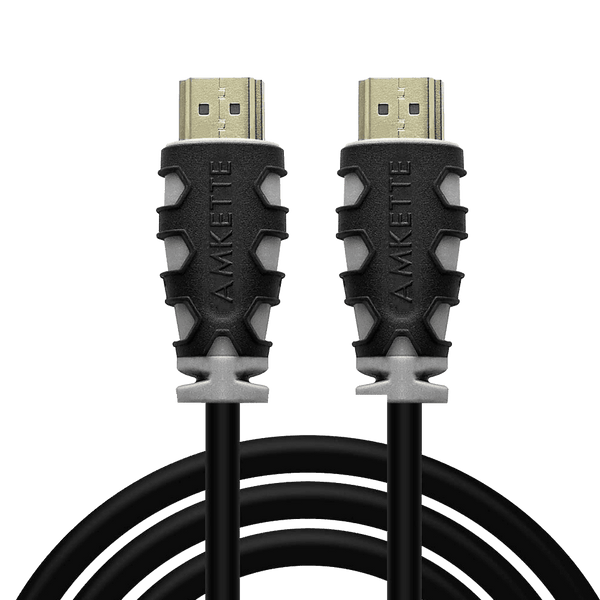
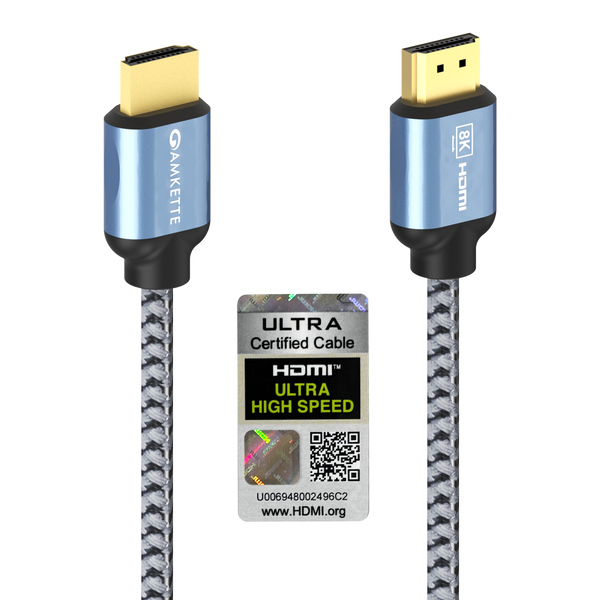
Ultra High Speed HDMI 2.1 Cable 8K 48GbpsOfficial brand warranty
MRP ₹1399
₹659
52% off
You save ₹740
Inclusive of GST · EMI from ₹54
/mo*
incl. GST · EMI ₹54
/mo*In stock · Free shipping over ₹5,00010 in stock, ₹296–₹15,517. GST invoice on every order, store pickup in Kovilambakkam, free shipping across India above ₹5,000.
First match the port on your laptop: most use standard HDMI, some use USB Type-C. For standard HDMI, an HDMI 2.0 cable like the Amkette High Speed HDMI 2.0 Cable or Honeywell Slim HDMI 2.0 Cable is ideal for 1080p and 4K screens. If your laptop has USB-C with DisplayPort Alt Mode, use the Honeywell USB Type-C to HDMI Cable.
HDMI 2.1 is useful if you have or plan a 4K 120Hz or 8K TV/monitor and a compatible console or graphics card. For normal 1080p and standard 4K 60Hz movies or office use, an HDMI 2.0 cable is usually enough and more economical.
Most HD and 4K set-top boxes use regular HDMI. An HDMI 1.4 or 2.0 cable like the Honeywell HDMI 1.4 Cable with Ethernet or Amkette HDMI 2.0 Compliant Cable will work well for this purpose.
For passive copper HDMI cables, up to about 3–5 metres is generally fine for 1080p and 4K in typical home setups. For longer runs across a hall or office, use an active optical HDMI 2.1 cable like the Honeywell HDMI 2.1 AOC Fibre Optic Cable, which is designed to maintain signal quality over longer distances.
Choose DisplayPort if your PC and monitor both support it and you want very high resolutions or refresh rates, especially for gaming or professional work. Cables like Honeywell DisplayPort to DisplayPort 2.0 and 2.1 (Platinum Series) support high bandwidth for advanced monitors.
Visit: Kovilambakkam, Chennai · Get directions