Keyboard & Mouse Combos

6 in stock, ₹406–₹1,759. GST invoice on every order, store pickup in Kovilambakkam, free shipping across India above ₹5,000.

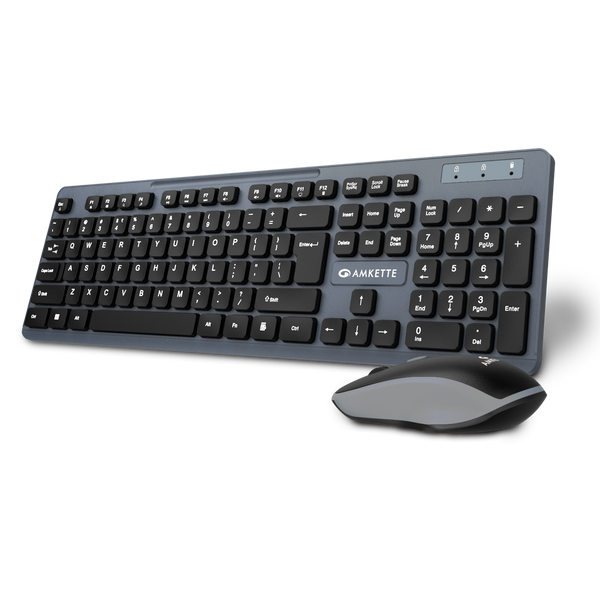
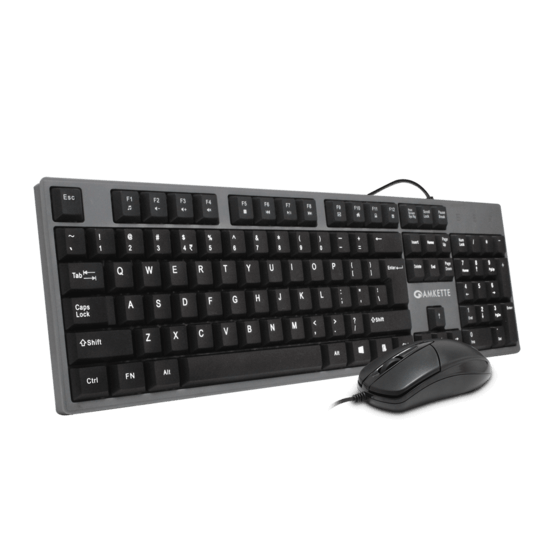
Amkette Lexus Neo Wired Keyboard & Mouse ComboNew37% off
Amkette Lexus Neo Wired Keyboard & Mouse ComboOfficial brand warranty
MRP ₹649
₹406 37% off
You save ₹243 Inclusive of GST · EMI from ₹33 /mo* incl. GST · EMI ₹33 /mo*In stock · Free shipping over ₹5,000
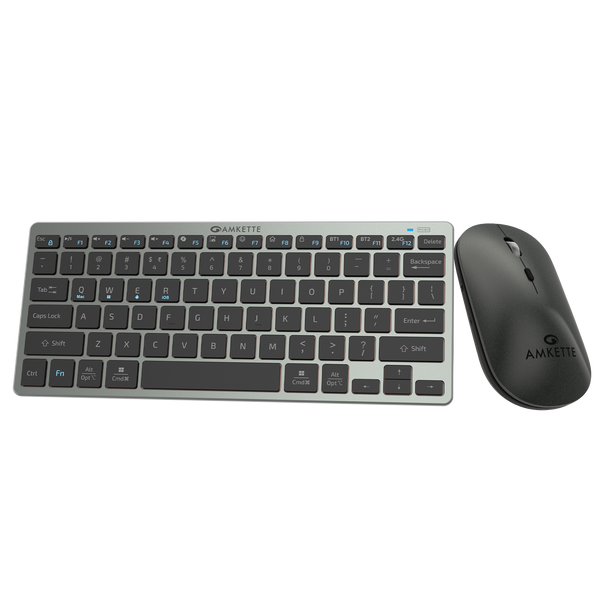
Amkette Wi-Key Max Multi Device Wireless Keyboard and MouseNew49% off
Amkette Wi-Key Max Multi Device Wireless Keyboard and MouseOfficial brand warranty
MRP ₹3499
₹1759 49% off
You save ₹1740 Inclusive of GST · EMI from ₹146 /mo* incl. GST · EMI ₹146 /mo*In stock · Free shipping over ₹5,000
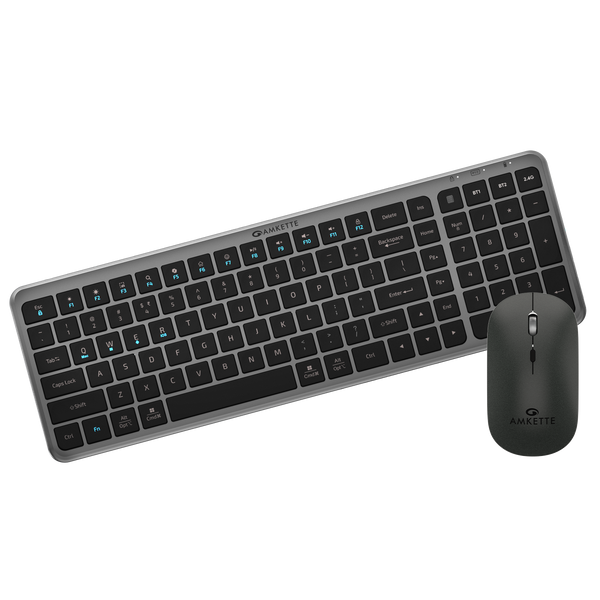
Amkette Primus NXT Wireless Keyboard and Mouse ComboNew51% off
Amkette Primus NXT Wireless Keyboard and Mouse ComboOfficial brand warranty
MRP ₹1599
₹769 51% off
You save ₹830 Inclusive of GST · EMI from ₹64 /mo* incl. GST · EMI ₹64 /mo*In stock · Free shipping over ₹5,000
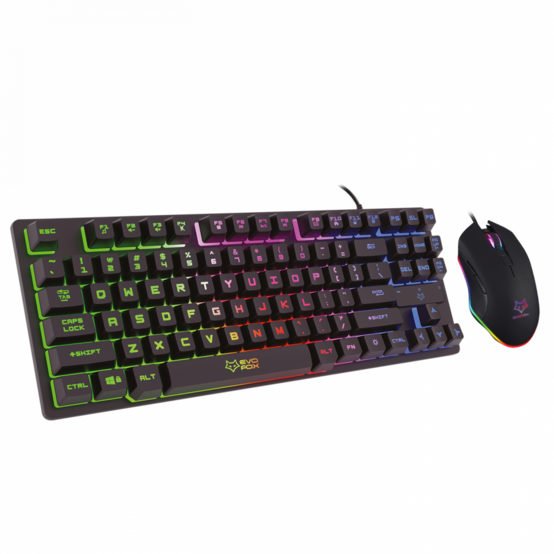
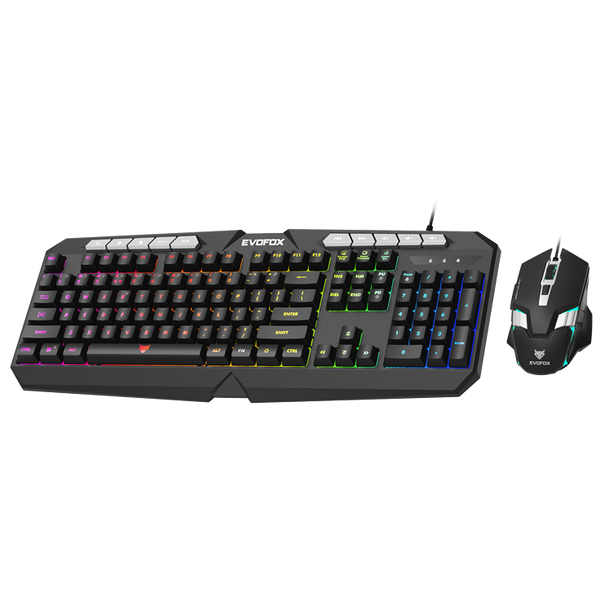
EvoFox X-Team Gaming Keyboard & Mouse USB ComboNew34% off
Amkette EvoFox X-Team Gaming Keyboard & Mouse USB ComboOfficial brand warranty
MRP ₹1899
₹1253 34% off
You save ₹646 Inclusive of GST · EMI from ₹104 /mo* incl. GST · EMI ₹104 /mo*In stock · Free shipping over ₹5,000

How to choose a keyboard & mouse combo

Picking the right keyboard and mouse combo depends on how you use your PC or laptop every day. For a simple office desktop in Chennai or a home study setup, a wired set like the Amkette Lexus Neo Wired Keyboard & Mouse Combo (currently from ₹406) keeps things straightforward for regular typing, browsing and basic work.

If you want to reduce cables around your system, you can look at wireless options. The Amkette Primus NXT Wireless Keyboard and Mouse Combo (currently from ₹769) is designed for quiet, comfortable work, while the Amkette Wi-Key Max Multi Device Wireless Keyboard and Mouse (currently from ₹1759) lets you work across up to three devices, which can be handy when you regularly move between multiple systems. For casual gaming and everyday use, combos like EvoFox Deathray V2 RGB Gaming Keyboard & Mouse Combo and EvoFox X-Team Gaming Keyboard & Mouse USB Combo add anti-ghosting keys and lighting, so you can work in the day and play at night with the same setup.

Questions people ask

Should I buy a wired or wireless keyboard and mouse combo?

Wired combos are simple, plug-and-play and connect directly to your PC, so they suit fixed office desktops. Wireless combos can cut down visible cables and are easier to move around, ideal if you use the same combo with a laptop or work from different spots at home.

What is a multi-device keyboard and mouse combo?

A multi-device combo can connect to more than one device and switch between them, usually using Bluetooth or a USB receiver. For example, Amkette Wi-Key Max and Amkette Wi-Key Mini 2 are designed for use with up to three devices.

Is a gaming keyboard and mouse combo okay for office work?

Yes, you can use gaming combos like EvoFox Deathray V2 RGB or EvoFox X-Team for normal office work. The extra features such as anti-ghosting keys and lighting do not affect regular typing or browsing.

Are wireless keyboard and mouse combos good for office desktops?

Wireless combos work well for office desktops if you want fewer visible cables and sometimes need to reposition the keyboard or mouse. Just make sure the PC has a free USB port for the wireless receiver if it is not using Bluetooth.

What DPI mouse should I look for in a combo?

For normal office tasks and web use, even basic DPI is sufficient. If you need finer control, such as for design work or gaming, look for higher DPI options like the mice in Amkette Primus NXT or EvoFox gaming combos.