Desktops for Share Trading in Chennai

36 in stock, ₹68,890–₹1,17,890. GST invoice on every order, store pickup in Kovilambakkam, free shipping across India above ₹5,000.
36 products · page 2 of 2
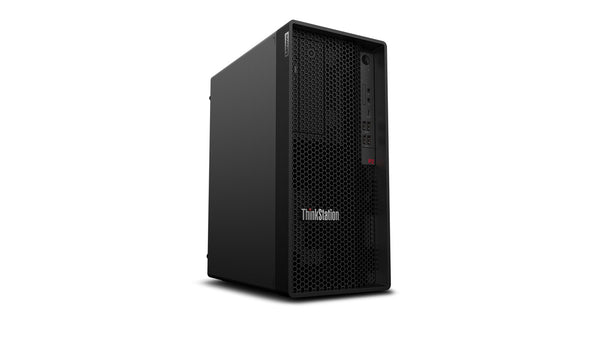
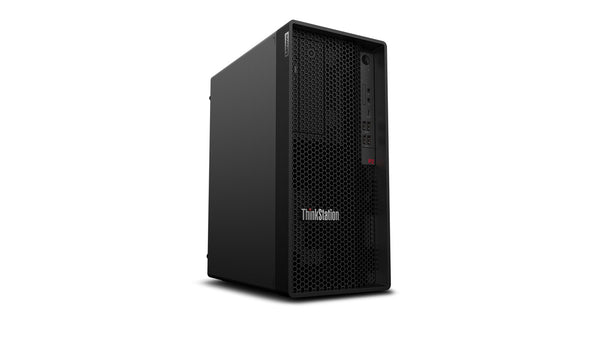
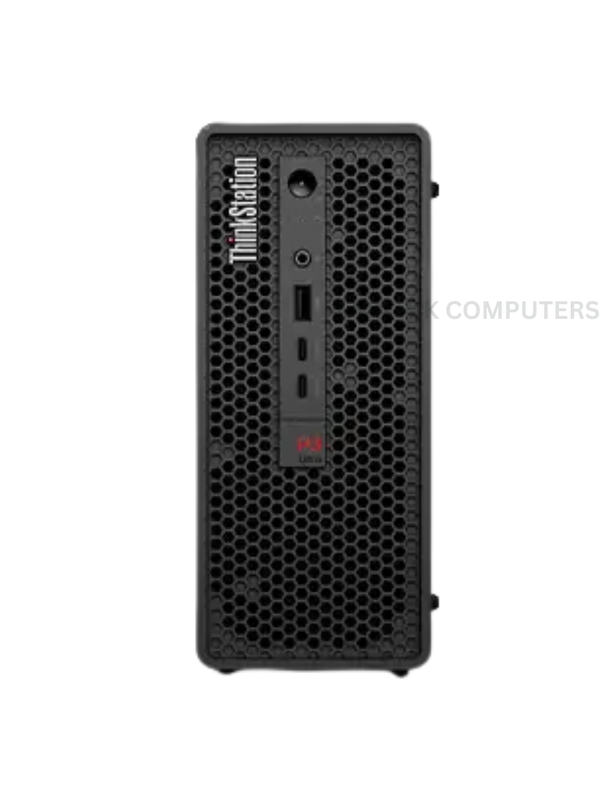
Lenovo ThinkStation P2 Tower Gen 2 – Ultra 5 225 · 16GB · 512GB SSDNew
Lenovo · Workstation ThinkStation P2 Tower Gen 2
ProcessorCore Ultra 5
RAM16GB
Storage512GB
GraphicsIntegrated
Core Ultra 5 · 16GB · 512GBGood for: Business, CreatorOfficial brand warranty
Lenovo ThinkStation P2 Tower Gen 2 – Ultra 5 225 · 16GB · 512GB SSD · No OSNew
Lenovo · Workstation ThinkStation P2 Tower Gen 2
ProcessorCore Ultra 5
RAM16GB
Storage512GB
GraphicsIntegrated
Core Ultra 5 · 16GB · 512GBGood for: Business, CreatorOfficial brand warranty
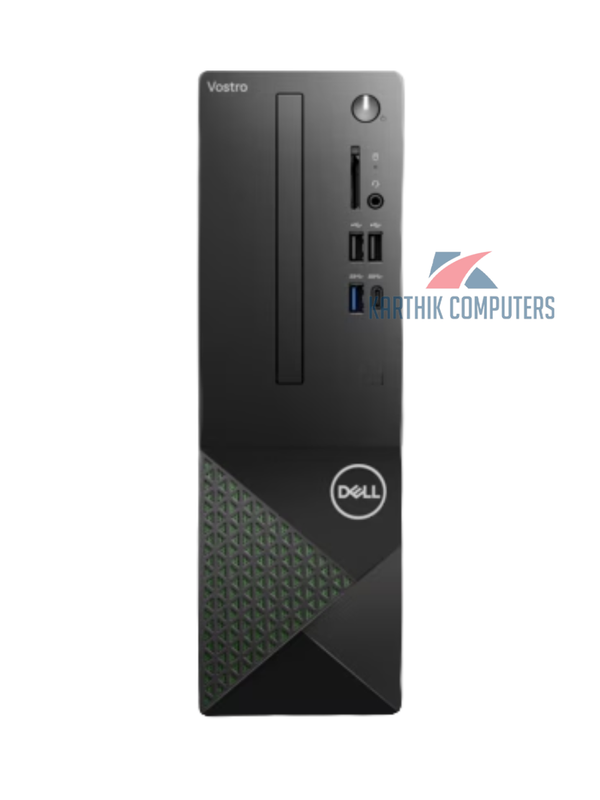
Dell Vostro 3030 – i5-14400 · 16GB · 512GB SSD · SFF DesktopNew
Dell · Business Vostro 3030
ProcessorCore i5
RAM16GB
Storage512GB
GraphicsIntegrated
Core i5 · 16GB · 512GBGood for: Business, OfficeOfficial brand warranty
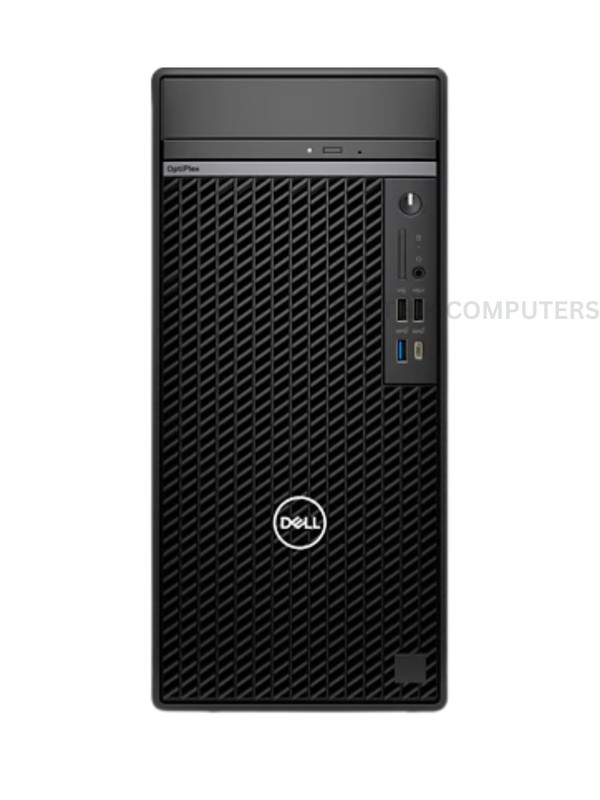
Dell OptiPlex 7010 Plus – i5-13500 · 16GB · 512GB SSDNew
Dell · Business OptiPlex 7010 Plus
ProcessorCore i5
RAM16GB
Storage512GB
GraphicsIntegrated
Core i5 · 16GB · 512GBGood for: Business, OfficeOfficial brand warranty
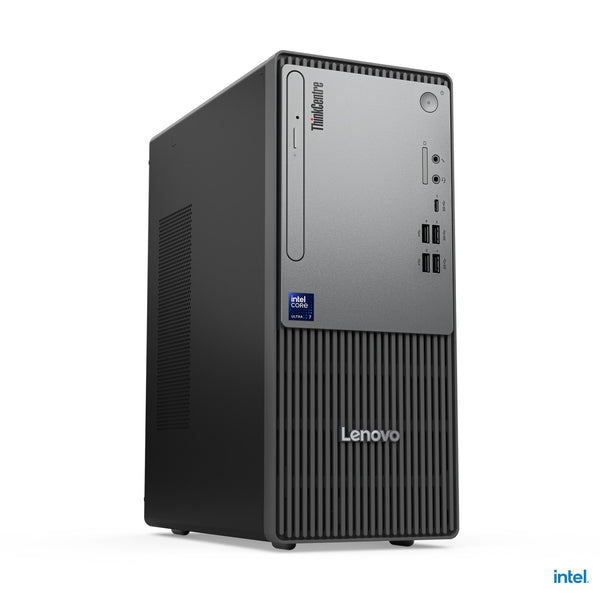
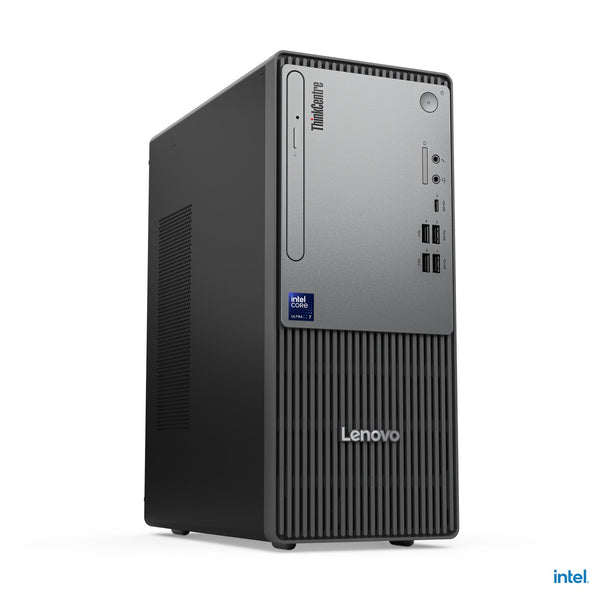
Lenovo ThinkCentre Neo 50t Gen 5 – i5 · 16GB · 512GB SSDNew
Lenovo · Business ThinkCentre Neo 50t Gen 5
ProcessorCore i5
RAM16GB
Storage512GB
GraphicsIntegrated
Core i5 · 16GB · 512GBGood for: Business, OfficeOfficial brand warranty
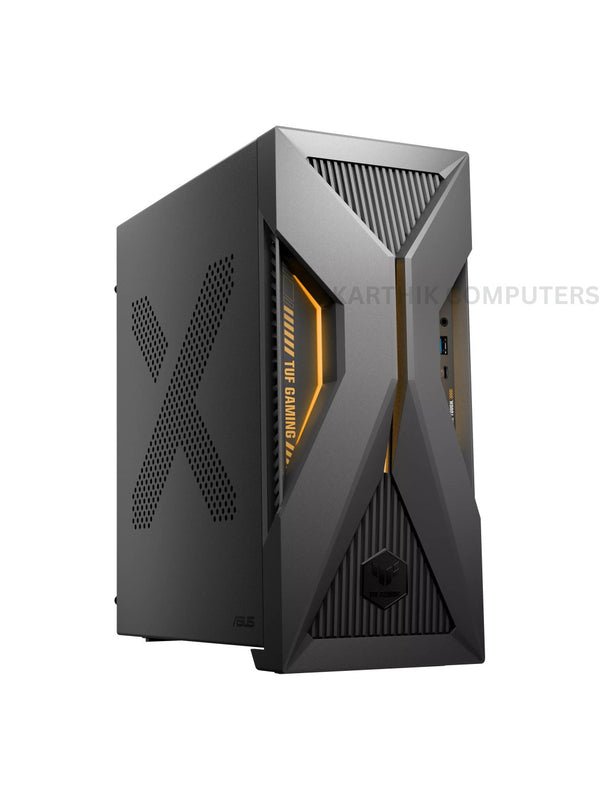
Asus ExpertCenter T500MV – i5-13420H · 16GB · 1TB SSD · RTX 3050New
Asus · Gaming ExpertCenter T500MV
ProcessorCore i5
RAM16GB
Storage1TB
GraphicsRTX 3050
Core i5 · 16GB · 1TB · RTX 3050Good for: Business, CreatorOfficial brand warranty
Lenovo ThinkStation P348 – Core i9 · 16GB · 1TB HDD · TowerNew
Lenovo · Workstation ThinkStation P348
ProcessorCore i9
RAM16GB
Storage1TB
GraphicsIntegrated
Core i9 · 16GB · 1TBGood for: Business, WorkstationOfficial brand warranty
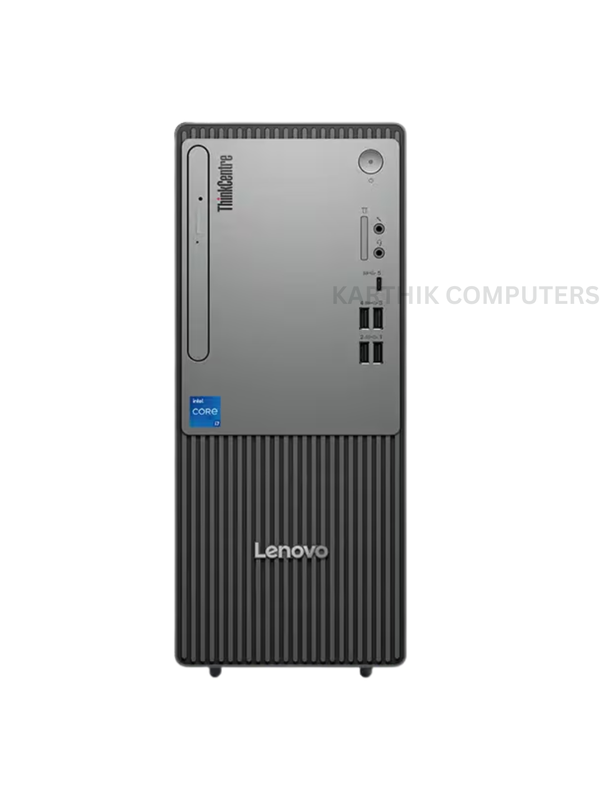
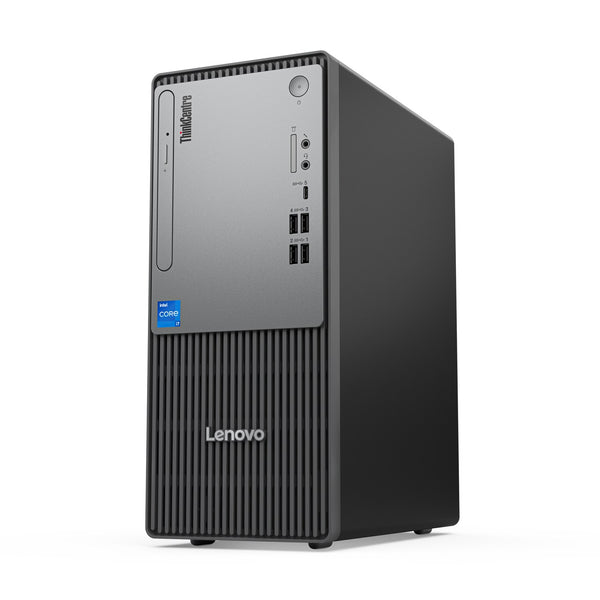
Lenovo ThinkCentre Neo 50t – Core i5 · 16GB · 512GB SSD · TowerNew
Lenovo · Business ThinkCentre Neo 50t
ProcessorCore i5
RAM16GB
Storage512GB
GraphicsIntegrated
Core i5 · 16GB · 512GBGood for: Business, OfficeOfficial brand warranty

Choosing a desktop PC for share trading

If you are building a reliable share trading setup, start with a strong processor, at least 16 GB RAM and an SSD so your charting platforms, browsers and terminals open quickly. In this collection, many desktops already offer 16 GB RAM with SSD or HDD storage, so you mainly decide between processor generation, cabinet size and operating system. For example, the Dell OptiPlex 7010 Plus – i5-13500 · 16GB · 512GB SSD starts currently from ₹73000 and comes with Windows 11 Pro ready for office use.

For heavier use or running many charts and back-testing tools together, you can look at the Lenovo ThinkStation P348 – Core i9 · 16GB · 1TB HDD · Tower, currently from ₹68890, which uses an 11th Gen Core i9 processor. If you want a compact desk, a small form factor model like the Dell Vostro 3030 – i5-14400 · 16GB · 512GB SSD · SFF Desktop, currently from ₹76800, saves space on your desk. For multi-monitor trading (2–4 screens), check the exact graphics and display outputs of each model and your monitors’ inputs. All orders from Karthik Computers come with GST invoice, and you can get free shipping across India on orders above ₹5,000 or pick up from the Kovilambakkam, Chennai showroom.

Questions people ask

How much RAM do I need in a desktop for share trading?

For most trading platforms, 16 GB RAM is a safe minimum so you can run charts, order windows, browser tabs and Excel together without lag.

Is an SSD important for a trading PC?

Yes, an SSD helps your system boot faster and opens platforms, browsers and historical charts more quickly, which gives a smoother experience during market hours.

Which processor is enough for trading – i3 or i5?

For active trading with multiple charts and apps, an i5 or equivalent is usually better than an i3, as it handles multitasking and background data feeds more comfortably.

How many monitors can I connect for trading?

This depends on the graphics outputs of the specific desktop and the inputs on your monitors; check the exact model’s ports and match HDMI/DisplayPort/VGA before buying.

Do I need a UPS for a trading PC?

A UPS is strongly recommended so that brief power cuts or voltage fluctuations do not restart your PC in the middle of a trade; a surge protector alone is not enough.